
23 symbols · one click each
Braille Dot Symbols
Braille Patterns is a Unicode block (U+2800–U+28FF) that encodes every combination of the eight dots in a Braille cell. Each Unicode character is a dot pattern rather than a precomposed letter: ⠁ is dot 1, ⠿ is dots 1–6, and ⣿ is all eight dots.
Copy any symbol
Click a round tile to copy. Each symbol’s name links to its full codes and typing page in the table below.
Codes for braille dot symbols
Every symbol in this category with its Unicode code point and a recommended HTML value. Click the glyph or any chip to copy it.
| Symbol | Name | Unicode | HTML |
|---|---|---|---|
| Braille Dots-1Braille Patterns | |||
| Braille Dots-2Braille Patterns | |||
| Braille Dots-3Braille Patterns | |||
| Braille Dots-4Braille Patterns | |||
| Braille Dots-5Braille Patterns | |||
| Braille Dots-6Braille Patterns | |||
| Braille Dots-7Braille Patterns | |||
| Braille Dots-8Braille Patterns | |||
| Braille Dots-12Braille Patterns | |||
| Braille Dots-123Braille Patterns | |||
| Braille Dots-1234Braille Patterns | |||
| Braille Dots-12345Braille Patterns | |||
| Braille Dots-123456Braille Patterns | |||
| Braille Dots-1234567Braille Patterns | |||
| Braille Dots-12345678Braille Patterns | |||
| Braille Dots-1245Braille Patterns | |||
| Braille Dots-2356Braille Patterns | |||
| Braille Dots-36Braille Patterns | |||
| Braille Dots-25Braille Patterns | |||
| Braille Dots-256Braille Patterns | |||
| Braille Dots-236Braille Patterns | |||
| Braille Dots-356Braille Patterns | |||
| Braille Dots-3456Braille Patterns |
HTML values are named entities where a common one exists, otherwise decimal numeric references that work in any HTML document.
Using braille dot symbols
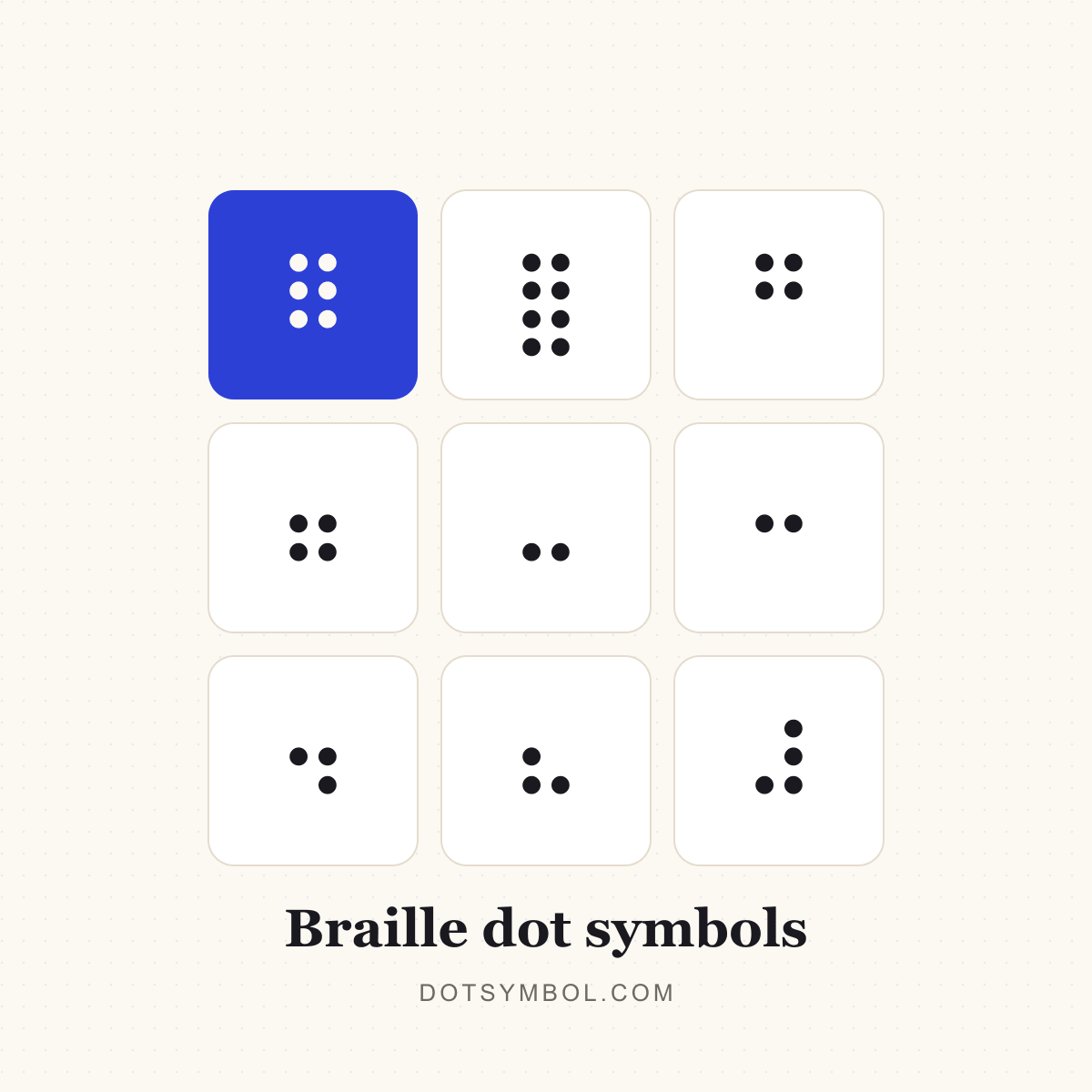
The dots are numbered in two columns: 1–3 from top to bottom on the left, 4–6 on the right, with 7 and 8 below for computer Braille. The code point is 0x2800 plus a bitmask of the dots (dot 1 = 1, dot 2 = 2, dot 3 = 4, dot 4 = 8, dot 5 = 16, dot 6 = 32, dot 7 = 64, dot 8 = 128). That is why ⠿ (dots 1–6) is U+283F.
On screen these are text characters, not raised dots. Braille displays and embossers use the same patterns to produce physical Braille. Braille patterns are also popular as decorative dot grids and progress indicators.
- Click a round tile to copy the symbol; the “Copied!” badge confirms it is on your clipboard.
- Open a symbol’s page for its Unicode name, HTML entity, CSS and JavaScript escapes, UTF-8 bytes and keyboard routes.
- Use the dot separator builder when you need several items joined on one line.
- Use the bullet list maker when you want a whole list of dot-prefixed lines.
Related dot categories
Braille dots questions
What does ⠿ mean?
⠿ is BRAILLE PATTERN DOTS-123456 (U+283F). It fills the top six dots of the Braille cell.
What does ⣿ mean?
⣿ is BRAILLE PATTERN DOTS-12345678 (U+28FF), the pattern with all eight dots raised.
How do you read Braille dot numbers?
Dots 1–3 run down the left column, dots 4–6 down the right, and dots 7–8 sit at the bottom left and right. A pattern is named by the dots it raises, so “dots-1245” means dots 1, 2, 4 and 5.
Can I copy and paste Braille patterns?
Yes. They are ordinary Unicode characters and can be pasted into any text field. They do not become raised dots on screen; a Braille display or embosser is needed for physical Braille.