
12 symbols · one click each
Dot Emoji
Color-circle emoji are the most direct way to add a dot to a message. 🔴, 🟠, 🟡, 🟢, 🔵, 🟣 and 🟤 are plain color circles used for color coding; ⚫ and ⚪ are the classic black and white circles; 🔘 is the radio-button emoji and ⏺ is the record button.
Copy any symbol
Click a round tile to copy. Each symbol’s name links to its full codes and typing page in the table below.
Codes for dot emoji
Every symbol in this category with its Unicode code point and a recommended HTML value. Click the glyph or any chip to copy it.
| Symbol | Name | Unicode | HTML |
|---|---|---|---|
| Black Circle EmojiMiscellaneous Symbols | |||
| White Circle EmojiMiscellaneous Symbols | |||
| Red Circle EmojiMiscellaneous Symbols and Pictographs | |||
| Orange Circle EmojiGeometric Shapes Extended | |||
| Yellow Circle EmojiGeometric Shapes Extended | |||
| Green Circle EmojiGeometric Shapes Extended | |||
| Blue Circle EmojiMiscellaneous Symbols and Pictographs | |||
| Purple Circle EmojiGeometric Shapes Extended | |||
| Brown Circle EmojiGeometric Shapes Extended | |||
| Radio ButtonMiscellaneous Symbols and Pictographs | |||
| Record ButtonMiscellaneous Technical | |||
| Heavy Large CircleMiscellaneous Symbols and Arrows |
HTML values are named entities where a common one exists, otherwise decimal numeric references that work in any HTML document.
Using dot emoji
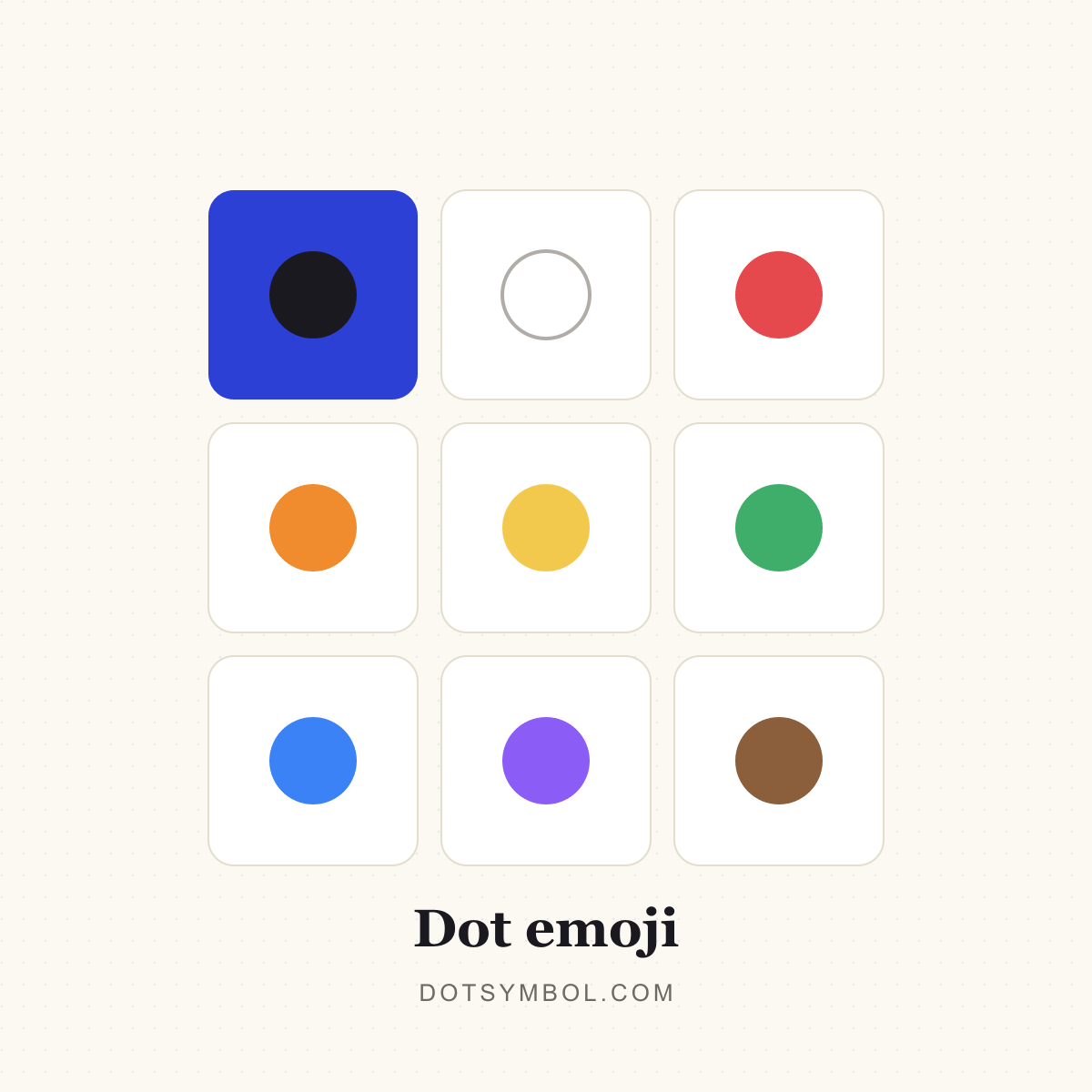
They render as color glyphs on phones and most desktops, which makes them ideal for status indicators (🟢 online, 🔴 busy), lists, mood boards and social bios. On systems without a color emoji font they may appear as outlined or missing glyphs.
Copying works like any other text: select the emoji here, paste it into the app. In HTML you can use the numeric reference or paste the character directly. Some social platforms display emoji at a fixed size regardless of the surrounding text.
- Click a round tile to copy the symbol; the “Copied!” badge confirms it is on your clipboard.
- Open a symbol’s page for its Unicode name, HTML entity, CSS and JavaScript escapes, UTF-8 bytes and keyboard routes.
- Use the dot separator builder when you need several items joined on one line.
- Use the bullet list maker when you want a whole list of dot-prefixed lines.
Related dot categories
Dot emoji questions
What is the red circle emoji?
🔴 is LARGE RED CIRCLE (U+1F534). It is commonly used as a status dot, an alert marker or a color swatch.
Why do circle emoji look different on different devices?
Each operating system supplies its own emoji font. Apple, Google, Microsoft and Samsung draw the same Unicode characters in different styles, so the exact shade and highlights vary.
How do I type circle emoji on a phone?
Open the emoji keyboard and search for “red circle”, “green circle” and so on, or find them in the symbols section. On Windows, press Win+. and search the emoji panel.
Are ⚫ and ⚪ emoji?
Yes. U+26AB MEDIUM BLACK CIRCLE and U+26AA MEDIUM WHITE CIRCLE have emoji presentations, though they can also display as plain text circles depending on the font and variation selector.