
11 symbols · one click each
Bullet Point Symbols
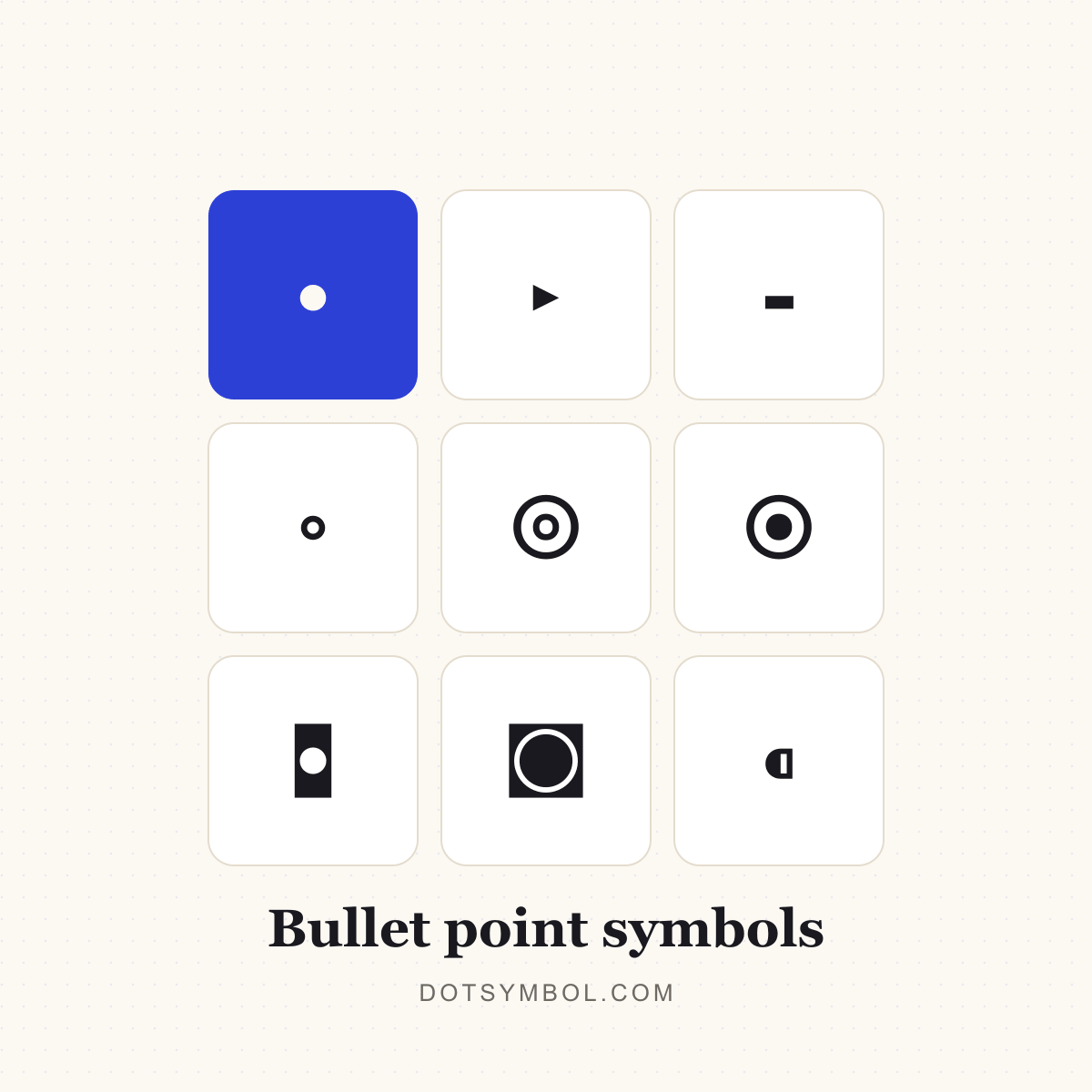
A bullet point symbol is the small dot placed at the start of each item in an unordered list. The classic bullet is • (U+2022), but Unicode also includes triangular, hyphen, white, circled and retro variants. They are all plain text, so they paste into emails, slides, notes and social posts without any special formatting.
Copy any symbol
Click a round tile to copy. Each symbol’s name links to its full codes and typing page in the table below.
Codes for bullet point symbols
Every symbol in this category with its Unicode code point and a recommended HTML value. Click the glyph or any chip to copy it.
| Symbol | Name | Unicode | HTML |
|---|---|---|---|
| BulletGeneral Punctuation | |||
| Triangular BulletGeneral Punctuation | |||
| Hyphen BulletGeneral Punctuation | |||
| White BulletGeometric Shapes | |||
| Circled White BulletMiscellaneous Mathematical Symbols-B | |||
| Circled BulletMiscellaneous Mathematical Symbols-B | |||
| Inverse BulletGeometric Shapes | |||
| Inverse White CircleGeometric Shapes | |||
| Leftwards BulletGeneral Punctuation | |||
| Rightwards BulletGeneral Punctuation | |||
| Z Notation SpotMiscellaneous Mathematical Symbols-B |
HTML values are named entities where a common one exists, otherwise decimal numeric references that work in any HTML document.
Using bullet point symbols
Bullets are not the same as the middle dot · even though they look alike at small sizes. The bullet is sized and positioned for lists; the middle dot is punctuation for separating words. Use • when you want a list marker, and · when you want a separator.
Click any symbol above to copy it, then paste it at the start of each line. On Windows, Alt+0149 produces • on the numeric keypad. In HTML, • is the named entity. Each symbol also has its own page with the Unicode code point, CSS escape and typing steps.
- Click a round tile to copy the symbol; the “Copied!” badge confirms it is on your clipboard.
- Open a symbol’s page for its Unicode name, HTML entity, CSS and JavaScript escapes, UTF-8 bytes and keyboard routes.
- Use the dot separator builder when you need several items joined on one line.
- Use the bullet list maker when you want a whole list of dot-prefixed lines.
Related dot categories
Bullet points questions
What is the standard bullet point symbol?
The standard bullet is • (U+2022, BULLET). It is the marker browsers and word processors insert for an unordered list, and it is the symbol most people mean by “bullet point”.
How do I type a bullet point on Windows or Mac?
On Windows, hold Alt and type 0149 on the numeric keypad. On a US Mac keyboard, Option+8 produces •. In Word, type 2022 and press Alt+X. On a phone, copy the bullet from this page or use the symbols row on your keyboard.
What is the difference between • and ·?
• (U+2022) is a bullet, designed as a list marker. · (U+00B7) is the middle dot, a punctuation mark centred between words. They look similar, but they have different sizes, vertical positions and uses.
Can I use bullet symbols in Instagram captions or bios?
Yes. They are ordinary Unicode characters, so they work in captions, bios and comments. Line breaks and alignment still depend on the app, and some platforms strip unusual glyphs, so preview before publishing.